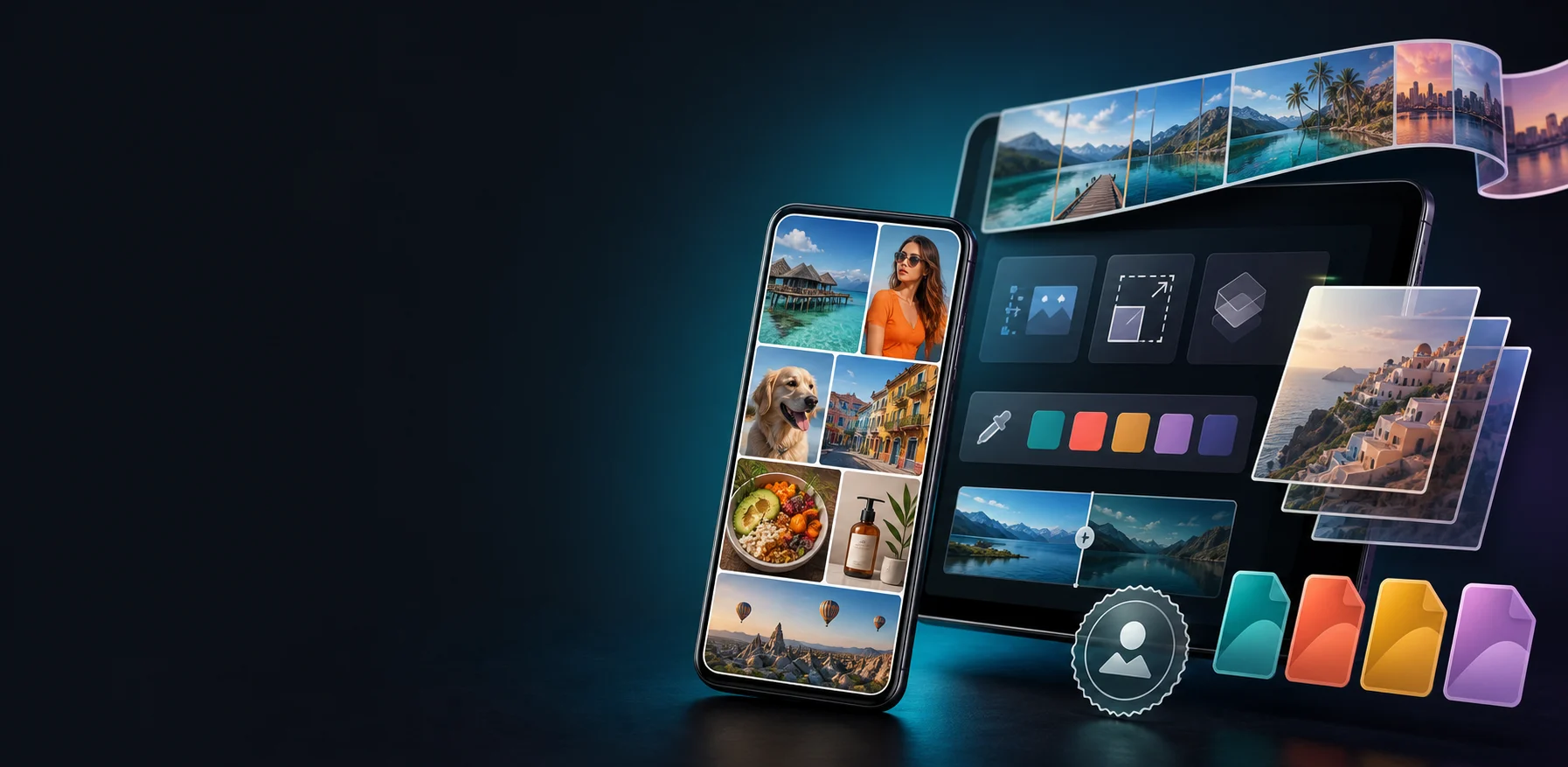
Collage Maker
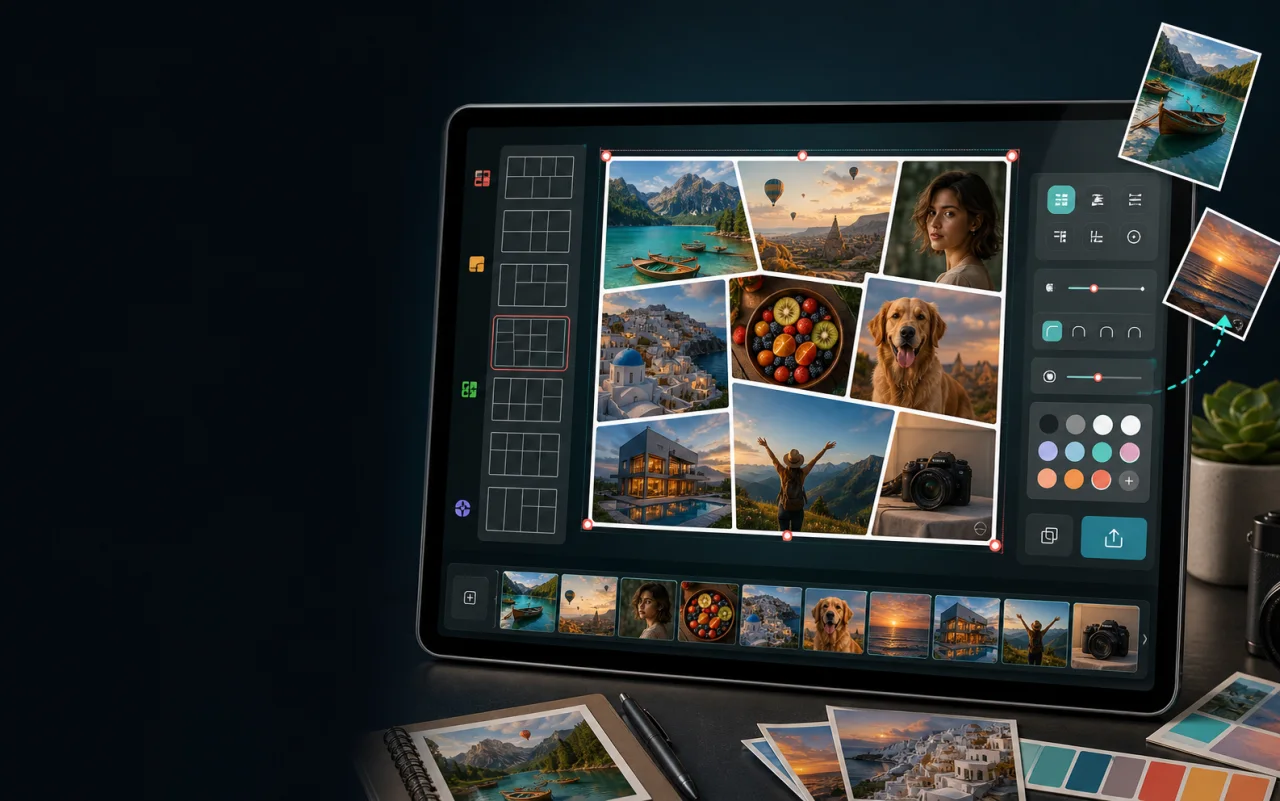
Arrange up to 20 photos with spacing, rounded corners, backgrounds, and export-ready layouts.
Android image layout studio
Create polished collages, stitch long images, stack layers, split grids, add clean watermarks, resize, convert, compare, and pick colors in one focused workspace.
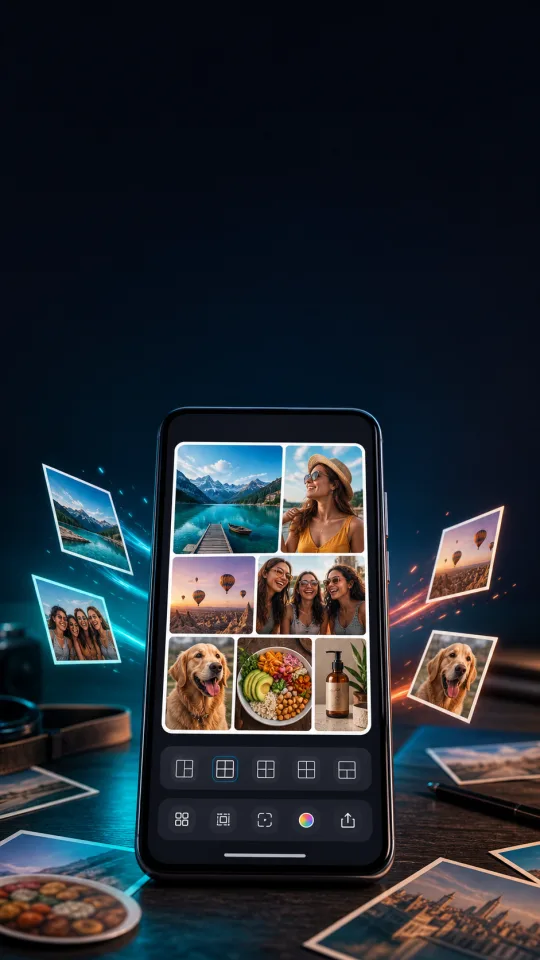
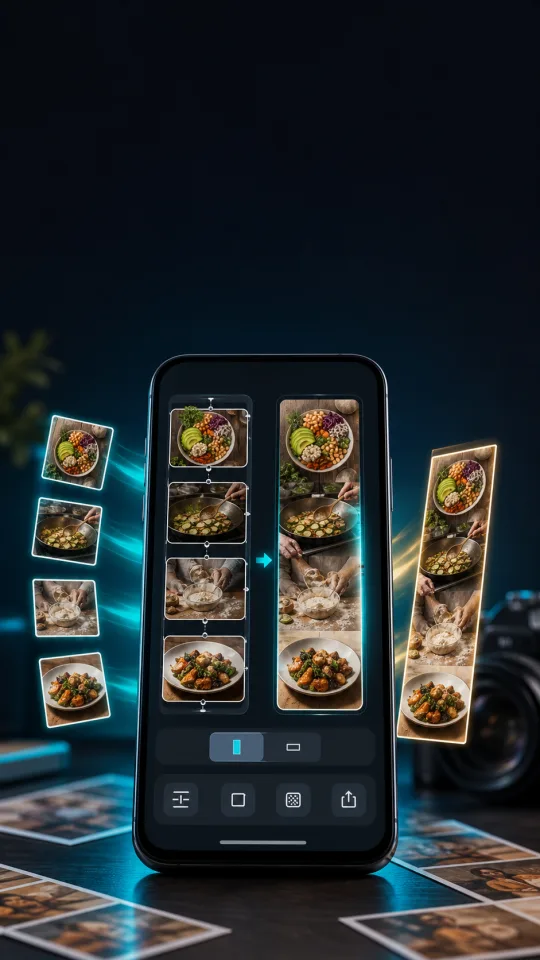
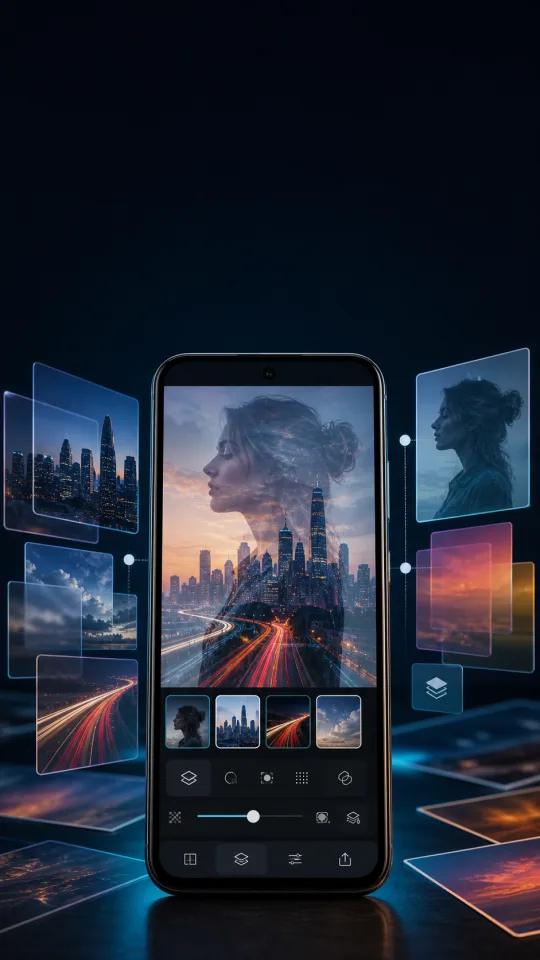
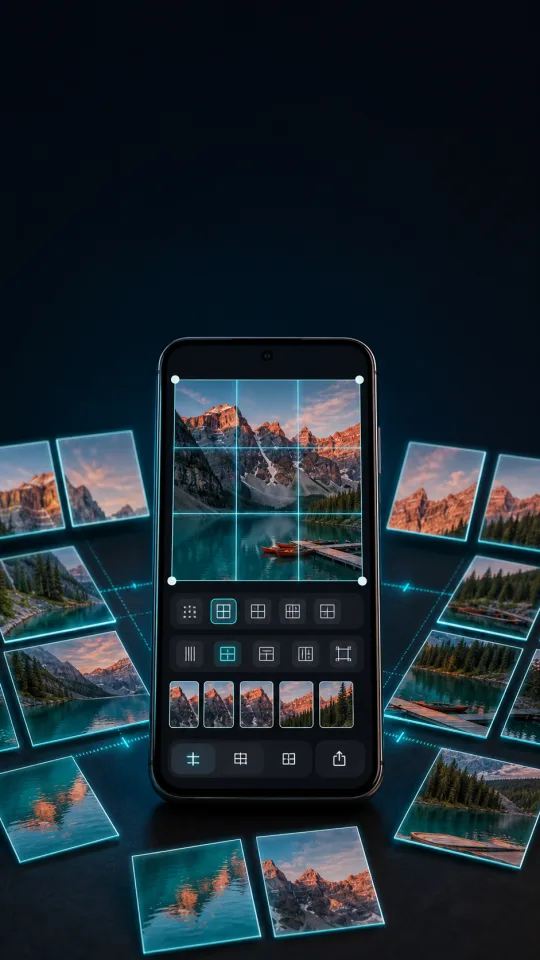
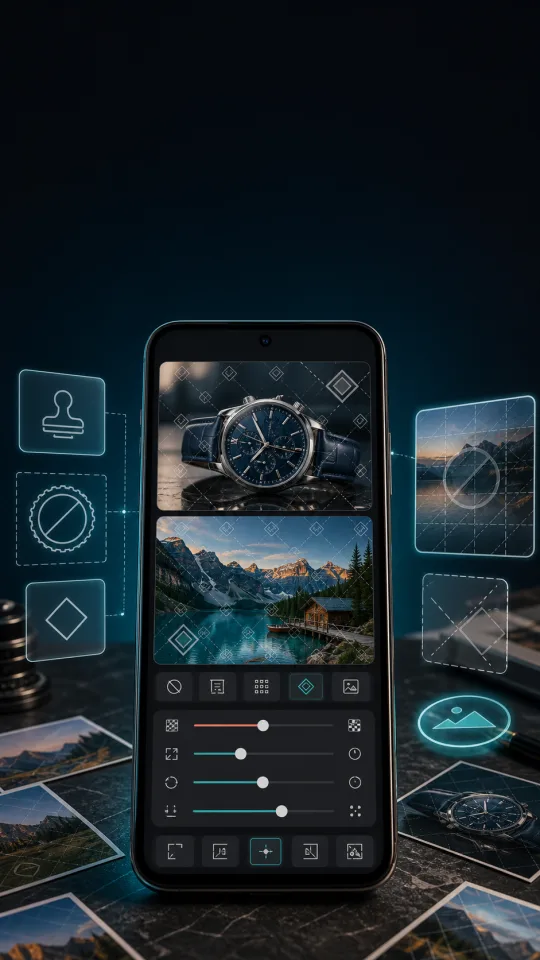
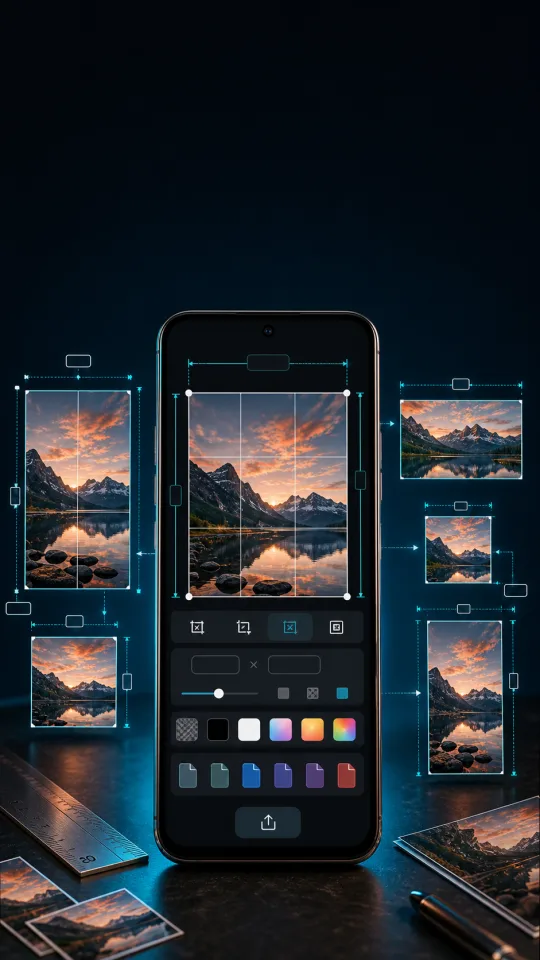
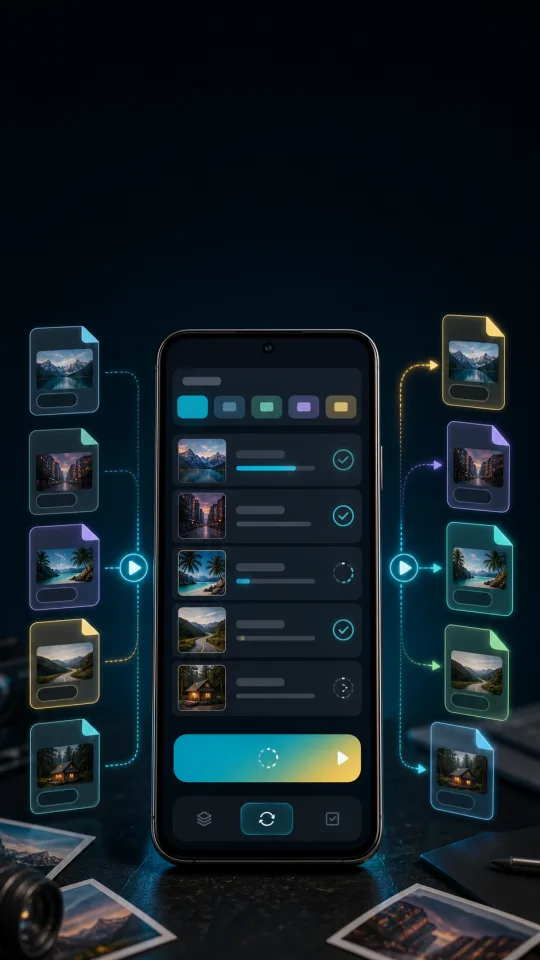
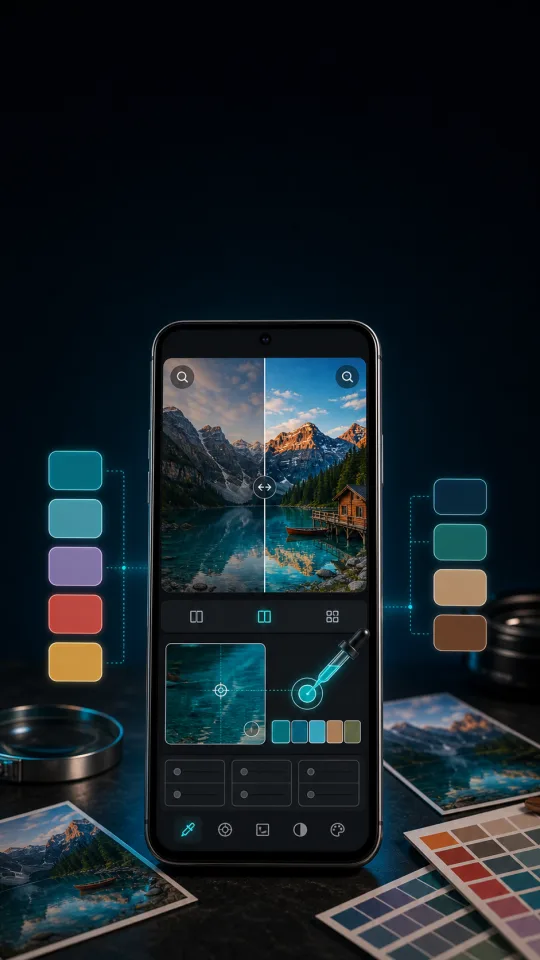
GridFlow keeps the home surface centered on collage and layout work, then supports the export, comparison, and color decisions that happen around it.
Arrange up to 20 photos with spacing, rounded corners, backgrounds, and export-ready layouts.
Join multiple images into one clean long image for recipes, notes, captures, and visual logs.
Layer images with blend controls for comparison, composition, and clean overlays.
Cut one image into precise rows, columns, and exportable tiles.
Apply text or image marks with repeat, placement, opacity, and batch-oriented controls.
Resize photos, choose output quality, and convert formats before saving.
Move batches between common image formats with predictable export settings.
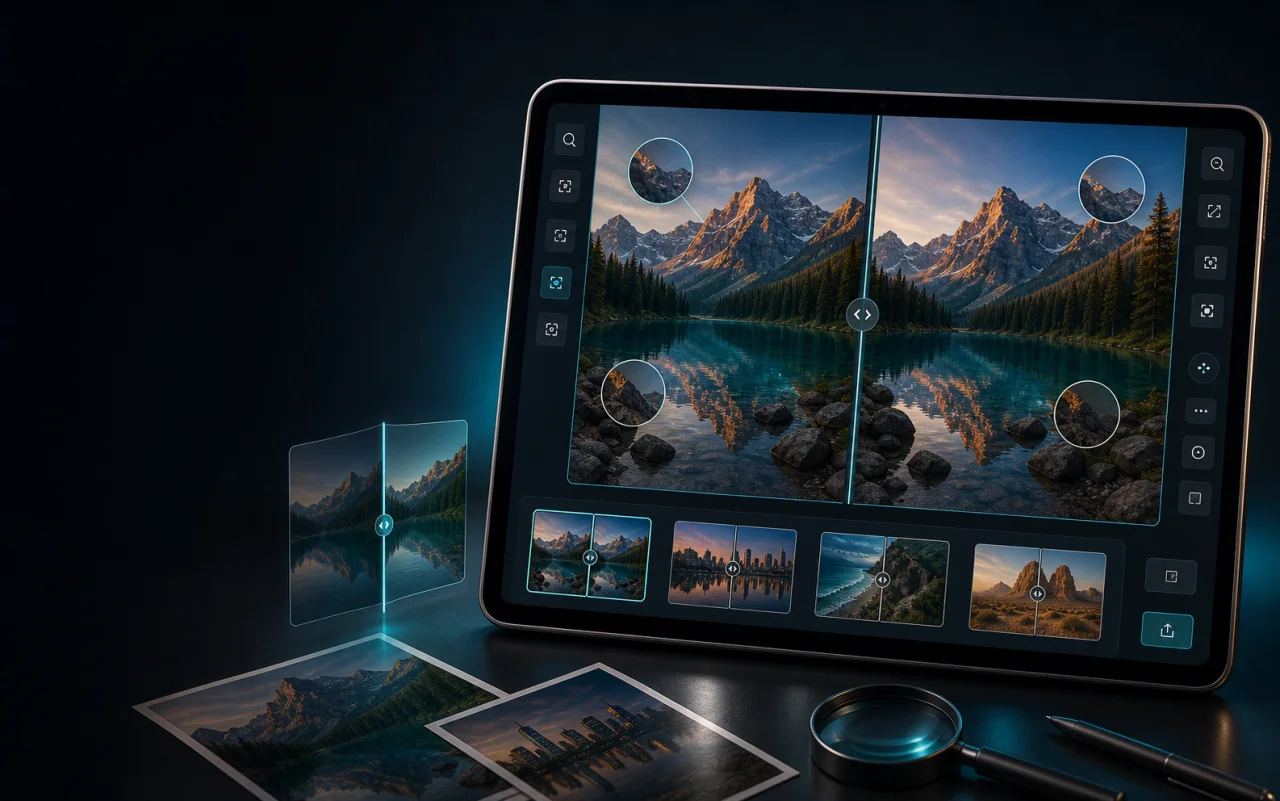
Inspect before and after states, details, and image differences side by side.
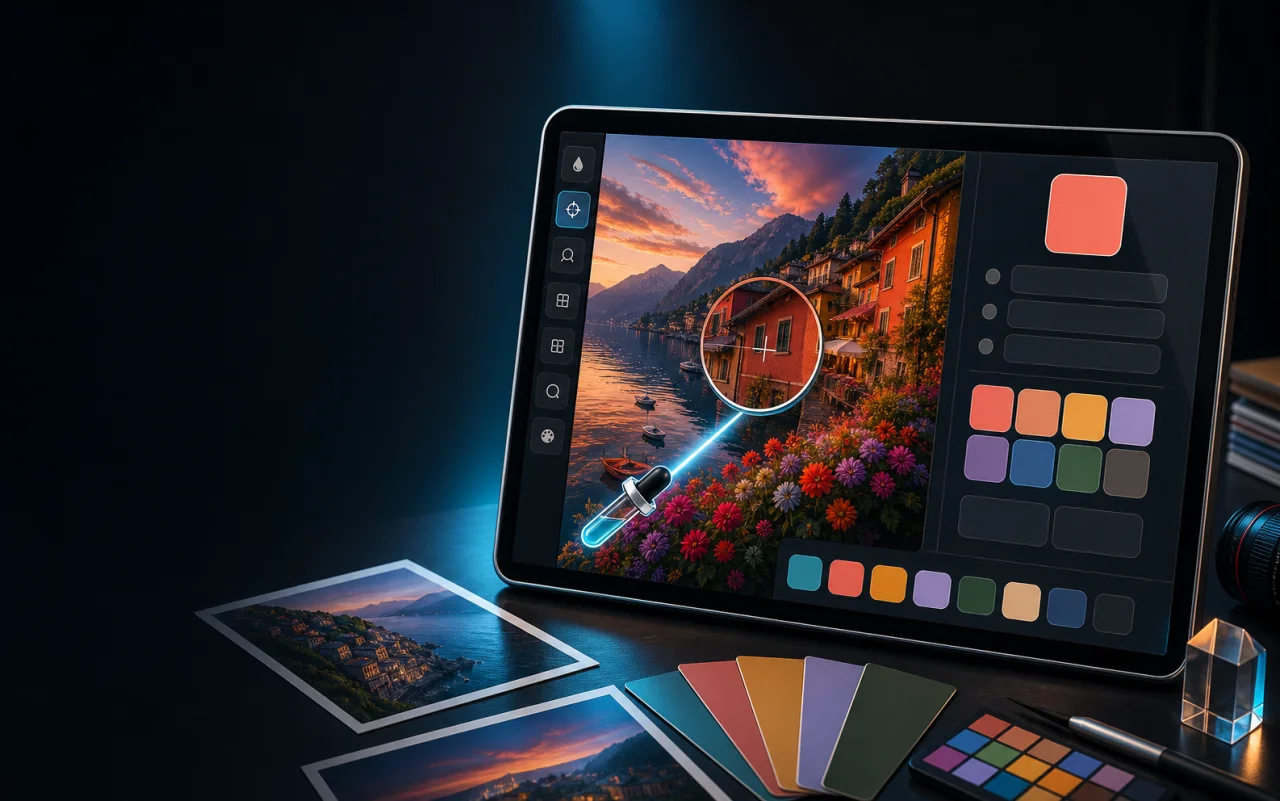
Sample colors from images and copy exact values for design or reuse.
The page uses optimized WebP derivatives from the project store assets, so the campaign visuals match the Play listing while staying light enough for a static site.
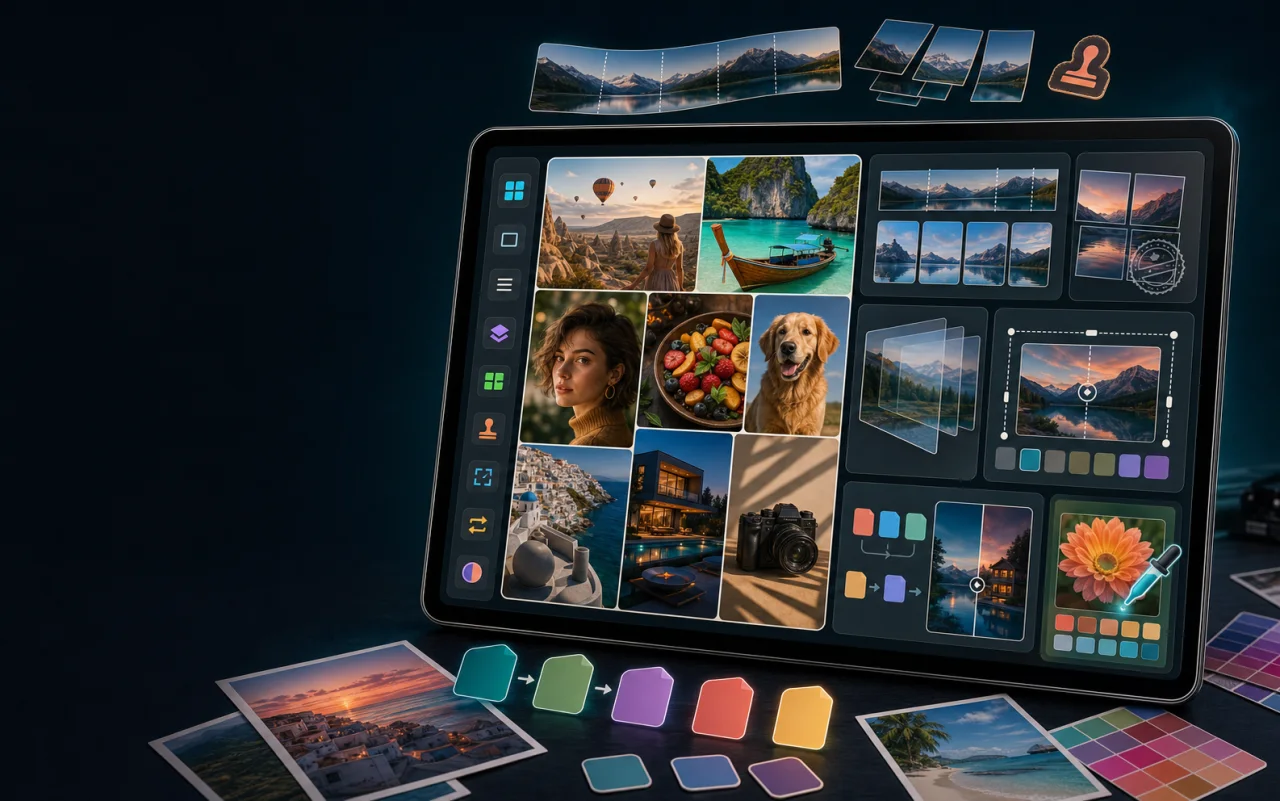
Collage Maker stays visually primary, while stitching, stacking, splitting, watermarking, resize, conversion, compare, and color picking sit close enough to keep the workflow moving.
Create an app-ads.txt file using the IAB Tech Lab specification, then publish it from the developer website used by the Play Store listing.
google.com, pub-4992239379404443, DIRECT, f08c47fec0942fa0Use the QR code or Play Store button for the app listing. For product, policy, or support requests, contact quangchiennnn@gmail.com.